
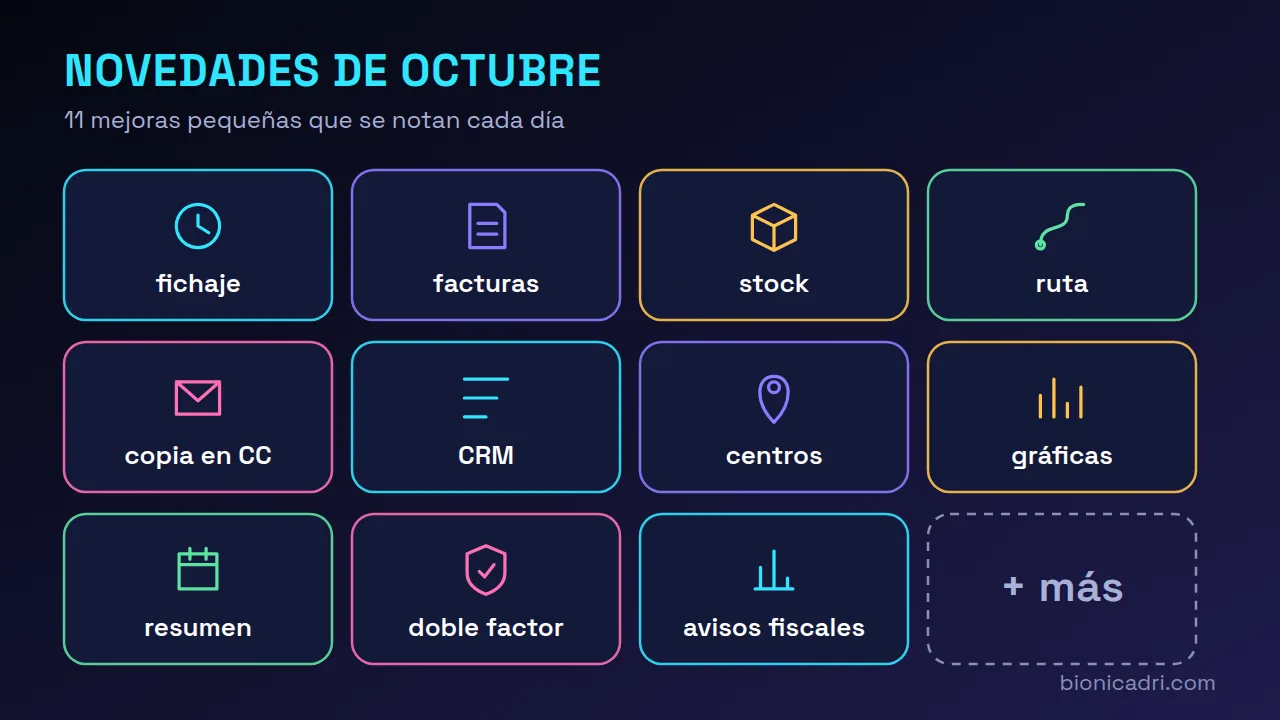
Two big updates from these days have their own article: quotes signed online and a PDF with several delivery notes. What follows is everything else, and there is plenty of it. Everything ADRI reports runs with the permissions of whoever asks for it, as always; if you want a reminder of how it works, see what ADRI does.
In the chat with ADRI
- Correct your clock-in without leaving the chat. Tell it “yesterday I clocked in at 8:55, not 9:05” and ADRI creates the correction request using the same rules as the pencil in your history: only your clock-ins, one pending request per field, never a time in the future, and with a reason. ADRI only creates the request; a person approves it, as always.
- Invoice lists are no longer cut off. ADRI used to show the first hundred. Now it tells you how many there are in total, which page you are on and how to ask for the next one.
- Low stock, with the same permissions as the screen. The report on low-stock or out-of-stock items that ADRI gives you requires the same as the stock screen. Someone who only creates quotes or invoices still looks things up item by item, as when choosing lines, and nobody sees more in the chat than they would in the application.
- The map route follows the road. An ADRI route in the chat used to be drawn with few points and cut corners with straight lines. Now the full road path is drawn; if that service fails, ADRI's line remains.
Email and CRM
- Reply keeps CC. “Reply all” is shown next to Reply when the email went to more people. “Reply with AI” also respects CC and links to the original, and if you reply to an email you sent, the reply goes to the people who received it, not to you. A note: BCC cannot be recovered, because it does not travel in the email.
- LinkedIn is reviewed like an email. On the lead record you can edit each LinkedIn action or click “Don't send”, just as with an email draft. If an attempt mixes email and LinkedIn, “Don't send” discards both. Nothing goes out on LinkedIn without you being able to see it first.
Customers and management
- ADRI places your customers' sites correctly on the map. When enriching a customer again, ADRI recognises a site even if it is written differently (“Avenida del Descubrimiento, 15” and “Avda. del Descubrimiento 15”) and does not duplicate it. If its point on the map is approximate or missing, it adds a verified one, only if it falls within the correct province. It never overwrites a manually placed point.
- The evolution of each customer's invoicing, your way. In the Invoices tab of the record you choose between six views: by month, year-to-date versus the previous year, by year, what they buy, invoices and average ticket, and invoiced versus collected (the last one only for the team). And you display each one as bars, lines or area.
- The daily summary arrives on the days you want. The 08:00 email with cash, overdue, quotes and leads arrives Monday to Friday by default. You choose the days in Management, More, Settings, and the email footer reminds you which ones they are.
On login and in alerts
- Pending two-factor authentication comes first. If you haven't activated it, in My profile, Security its block appears at the top and highlighted, with “No need to change your password”. The yellow header notice flashes twice and takes you there. With reduced motion enabled on your system, it doesn't flash.
- No tax deadlines if you don't invoice with BionicAdri. If your company hasn't issued any of its own invoices from the ERP this year or last year, the tax calendar shows “Not applicable” and stops notifying you. Imported invoices and drafts don't count, and as soon as you issue invoices, the alerts return.
How to get it
There's almost nothing to activate. The improvements in each module work with the usual permissions and arrive with updates. The daily summary is configured in Management settings. If you want to see them with your data, request a demo.
Frequently asked questions
Do I need to activate anything to get these improvements?
Almost nothing. They arrive with the update and respect each role's permissions. The daily summary is configured in Management settings.
Can ADRI correct someone else's clock-in?
No. It only creates requests about your own clock-ins and they are always approved by a person.
Can the daily summary arrive at the weekend?
Yes, if you tick those days. By default it arrives Monday to Friday.
- What's new
- ADRI
- October 2026